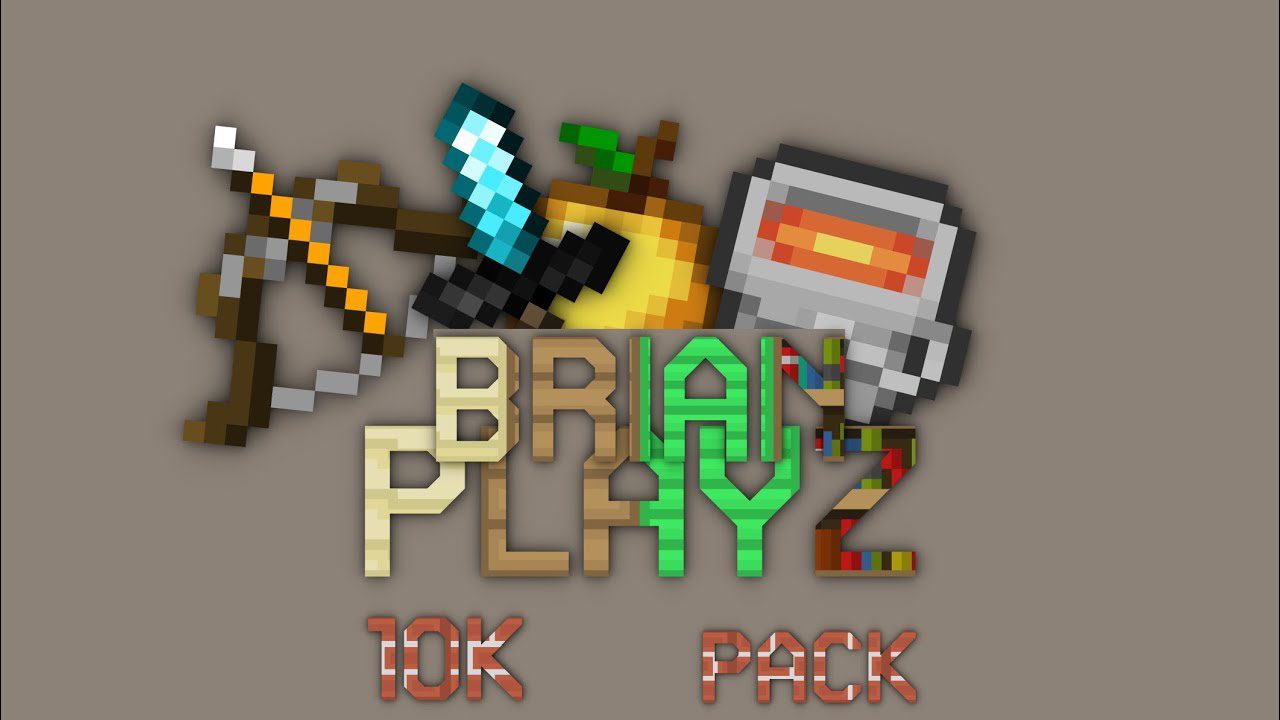
Brianplayz 10k PvP Resource Pack 1.12.2/1.11.2 for Minecraft mainly focuses on the PvP aspect of Minecraft. Bringing in a PvP Pack with bright color, smooth looking so you could aim and spot enemies easier. It also did a great job in boosting your FPS, making your game feel more smooth and comfortable specialty for those with a severe PC.
Screenshots:


How to install:
-
- Download a resource pack, you should get a .zip file.v
- Open the folder to which you downloaded the file.
- Copy the .zip file.
- Open Minecraft.
- Click on “Options”, then “Resource Packs”.
- Choose “Open resource pack folder”.
- Paste the file into the resource folder in Minecraft.
- Go back to Minecraft, the resource pack should now be listed and you can activate it by choosing it and hitting “Done”.
Brianplayz 10k PvP Resource Pack 1.12.2/1.11.2 Download Links:
for Minecraft 1.12.2/1.11.2
The post Brianplayz 10k PvP Resource Pack 1.12.2/1.11.2 appeared first on 9Minecraft | Minecraft Mod.