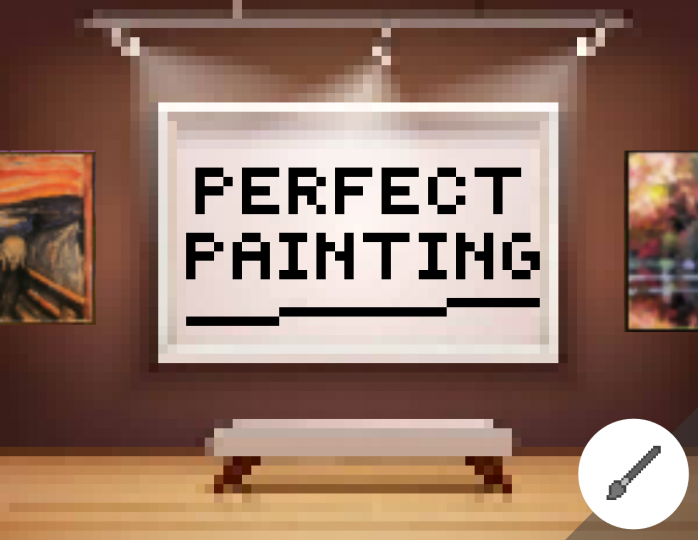
Perfect Painting Resource Pack 1.13.1/1.12.2 for Minecraft going to overwhelm you with its historical based masterpieces. Guarantees to decorate your Minecraft world with over 20 new custom paintings from various genres and eras. Including many recreations of famous masterpieces, beautiful landscapes, portraits both old and new and many more. Create a gallery of art or add some color to your home or latest construction with one or two or even a collection of pixel crafted paintings.
Screenshots:


How to install:
-
- Download a resource pack, you should get a .zip file.v
- Open the folder to which you downloaded the file.
- Copy the .zip file.
- Open Minecraft.
- Click on “Options”, then “Resource Packs”.
- Choose “Open resource pack folder”.
- Paste the file into the resource folder in Minecraft.
- Go back to Minecraft, the resource pack should now be listed and you can activate it by choosing it and hitting “Done”.
Perfect Painting Resource Pack 1.13.1/1.12.2 Download Links:
for Minecraft 1.13.1/1.12.2
The post Perfect Painting Resource Pack 1.13.1/1.12.2 appeared first on 9Minecraft | Minecraft Mod.